
How it works
Three steps. Seriously.
From an empty canvas to a public link, without opening a 3D program or typing any code.
Upload or generate your assets
Drag in 3D models, images, video, and audio. Or generate 3D objects and Gaussian splats with AI. Every upload is optimized and encrypted automatically.
Arrange your scene
Place, light, and customize your assets with a variety of tools. Add interactions, popups, and XR markers, and preview in the browser as you go.
Publish a link
One click. Share the link or embed it anywhere. It opens on mobile, desktop, and headsets. No app, no install.
What you get
Everything to go from upload to live.
A complete toolkit for publishing 3D experiences without a 3D team.
Upload anything
3D models (.glb, .gltf, .obj), Gaussian splats, images, video, and audio. Every upload is automatically optimized and encrypted for the web.
Generate with AI
Create 3D objects and Gaussian splats from text, images, or video. Then refine, retexture, and remodel. No modeling software, no manual cleanup.
Works on any device
Phone, tablet, desktop, and AR/VR headsets. Scenes open in any modern browser. No app, no install.
Interactive and immersive
Add interactions, effects, popups, 3D screens, AI voice chat, and XR markers. Switch between first-person and point-and-click modes during the experience.
One link to share
Paste it in an email, embed it on your site, post it on LinkedIn. Your audience clicks and walks straight in. Build portfolios, product demos, training, and mini-games.
Your own subdomain
Publish to a memorable yourname.ownxr.com address instead of a long link. Available on Pro and Enterprise.
What you can build
Showrooms. Classrooms. Museums.
Real scenes builders ship in OwnXR: product launches, gallery tours, training environments, and classroom worlds.
For brands & retail
Launch a virtual showroom in an afternoon.
Drop in product models, generate assets with AI, light the room, and publish a link. Clients in any city walk through your launch the same day you ship it.
- Animated product highlights and hotspots
- Custom materials, environment, and lighting
- Embed on your store or share by link
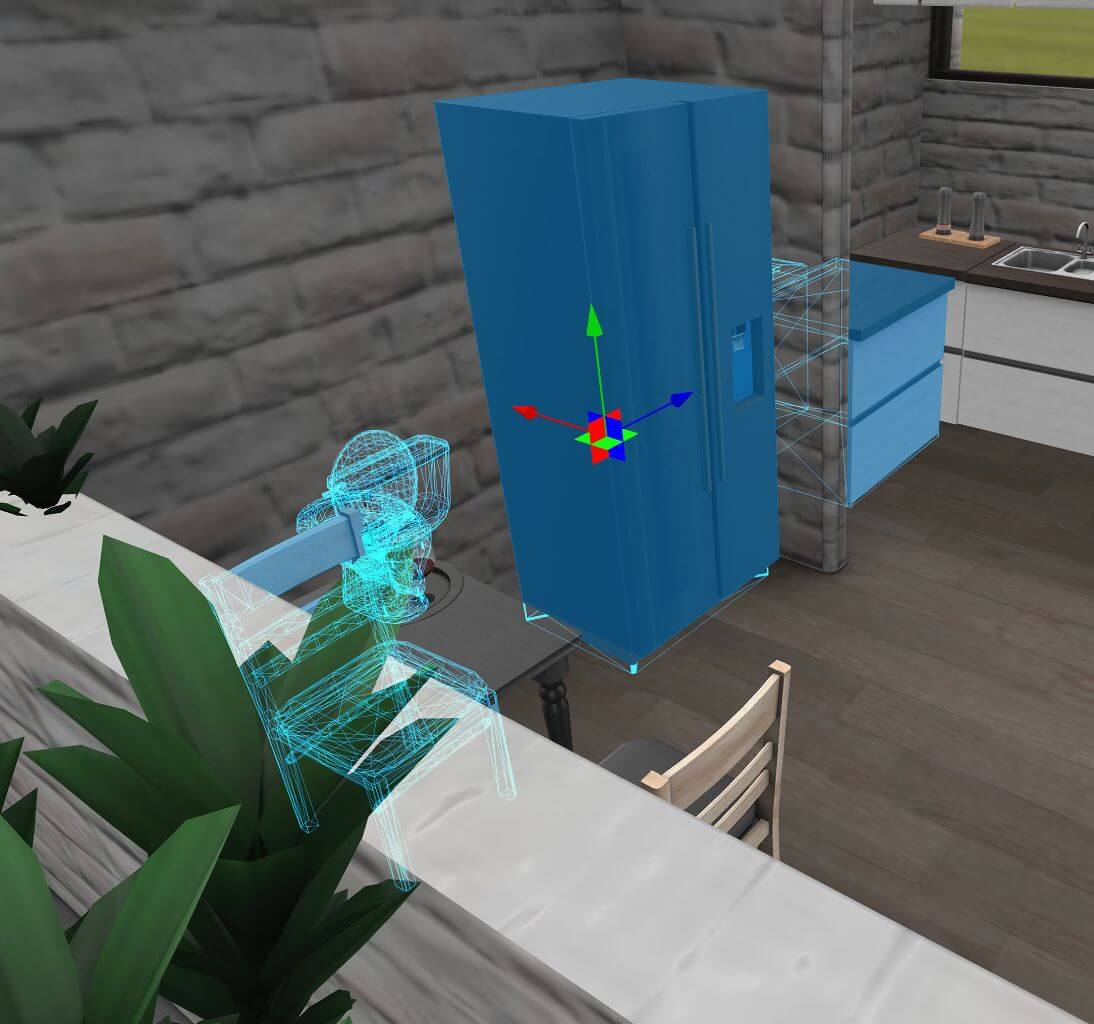 Drag, drop, arrange
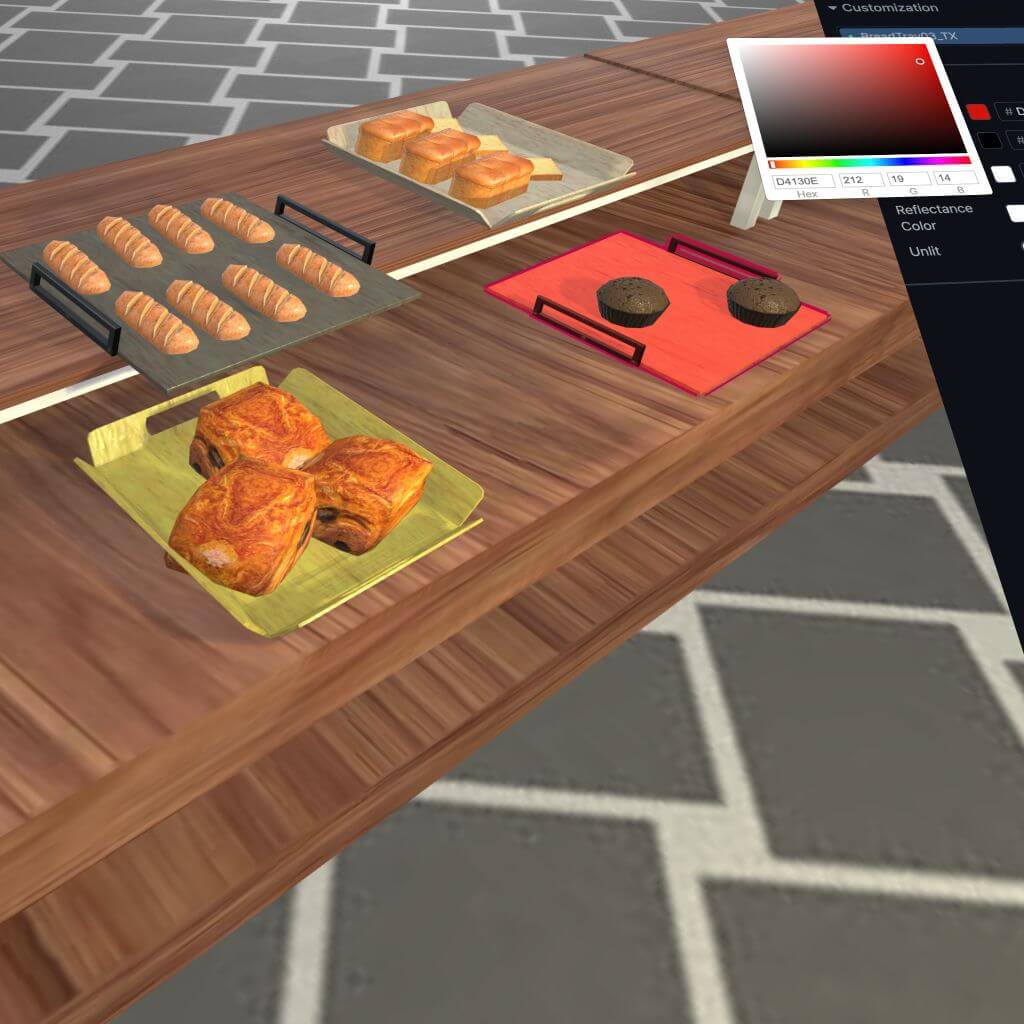 Customize materials
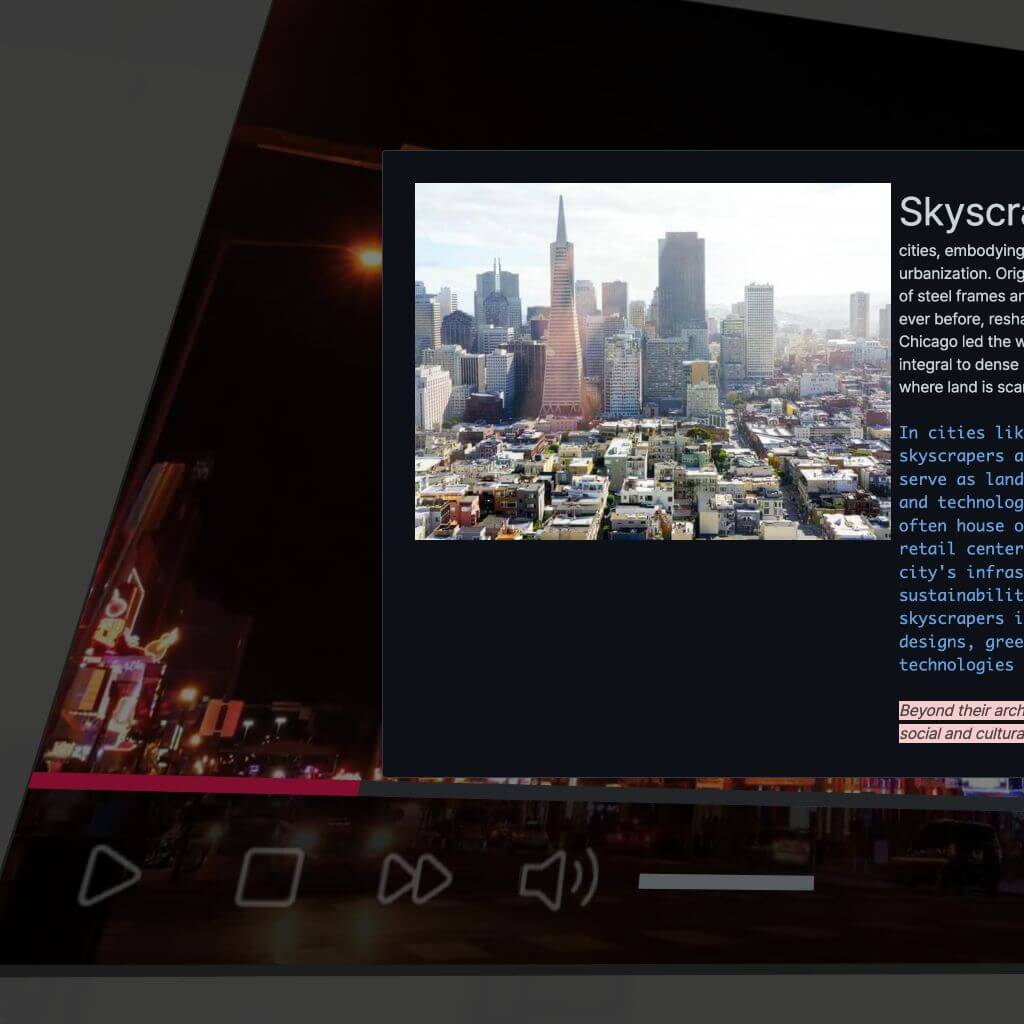 Embed video, images & audio
For education, training & culture
Give a class a world to explore.
Hand students a link to a space station, a Triassic forest, or a working lab. They walk in on any phone, tablet, laptop, or headset. No install.
- Interactive hotspots with images, video, and popup content
- XR markers to augment real-world spaces and objects
- Works in any modern mobile, tablet, desktop and headset device
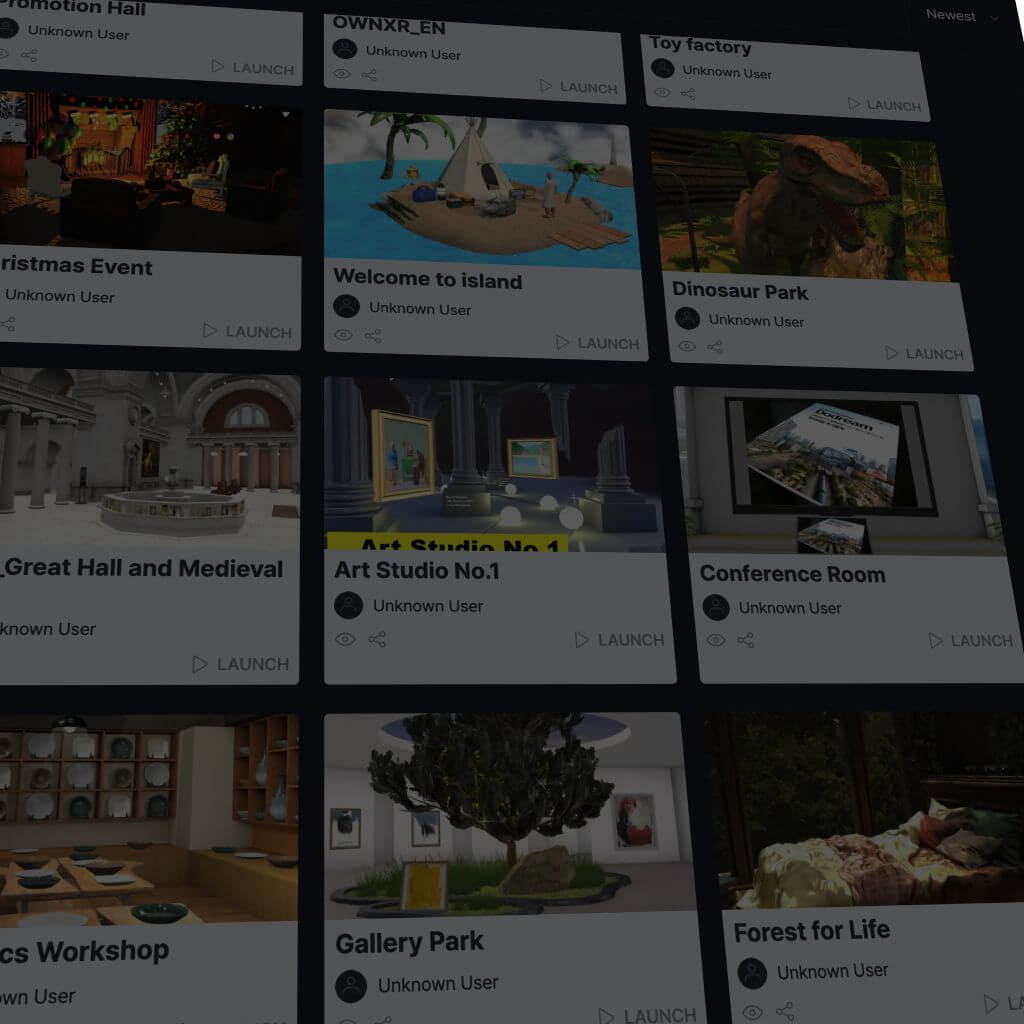 A growing community
What builders say
Real scenes. Real outcomes.
If you want flawless execution at your next trade show, vague drawings and guesswork won't get you there. That's why we use OwnXR. This is how we protect our clients' budgets, how we eliminate revisions before they even start, and close decisions fast.

Pricing
Simple pricing. Start free.
Pay monthly. Cancel anytime. Your scenes stay yours.
- 1,000 credits per month
- 1 published scene
- Publish and share your scenes
- AI asset generation tools
- Max 50 elements per scene
- 3,300 credits per month
- 2 published scenes
- Everything in Starter, with more credits and scenes
- Max 100 elements per scene
- 6,000 credits per month
- 4 published scenes
- Everything in Creator
- custom.ownxr.com link
- Unlimited elements in scenes
- Everything in Pro
- Live team collaboration between members
- Custom solutions for your business
Frequently asked
Questions, answered.
Do my viewers need to install anything?
No. Scenes open in any modern browser on mobile, tablet, desktop, and headset. One link, no app, no install. Android devices may ask to install some base AR applications, only if not installed and only for the first time.
Which file formats does OwnXR support?
.glb, .gltf, and .obj for 3D models; .ply, .splat, .spz, .sog, and .sogs for Gaussian splats; HDR for environments; plus PNG, JPG, MP4, and MP3/WAV for images, video, and audio inside a scene. Your files will be organized in libraries of your own or your enterprise.
Is OwnXR safe for confidential prototypes?
Yes. Publish a scene as Link Only to keep it unlisted, Restricted to gate it behind a passcode, or keep it Private and unpublished. Your assets are encrypted automatically and only accessible within the OwnXR application, not even in storage.